

A duck logic puzzle, built solo with AI tools
Duckdoku is a small Sudoku-style puzzle game: one duck per row, one duck per column, one duck per color, and no two ducks touching. No numbers, no math — just looking and thinking. This page is the honest story of how it got made: which tools I used, what I paid for art, and what came from an asset store instead of being generated.
I copied the idea for Duckdoku from Meowdoku, a cat version of the same puzzle already on Google Play. I liked the rules, so I rebuilt the game myself with my own ducks, art, and sounds, in my own style — not a copy-paste of its code or art.
→ Read the full day-by-day development journal
I built the whole game inside Claude Code, Anthropic's coding assistant, talking to it like a teammate instead of writing every line myself. The model behind it was Claude Sonnet 5, on the $20/month Claude plan — no extra API bill for the coding side.
Claude didn't just write code in a text editor and hope it worked — it actually ran and drove the Unity Editor directly, using two things:
That combination is how features got built, tested with real gameplay (not guesses), screenshotted, and fixed in the same conversation.
| Image model | GPT Image 2 (gpt-image-2), OpenAI image API |
|---|---|
| Quality | Medium for all final art |
| Final images | 13 (7 sprite sheets, plus logo, win and lose sheets, app icon, splash screen, featured image), cut into 58 sprites |
| Total paid for images | $0.85 on the OpenAI dashboard (26–27 September) |
Breakdown of the 13 final images. Output price is real ($30 per million tokens). The reference-picture price is my estimate ($8 per million tokens), so each line is an estimate:
| # | Image | Size | Output tokens | Estimated cost |
|---|---|---|---|---|
| 1 | Duck faces sheet | 1920×1088 | 1,325 | $0.041 |
| 2 | Dance and win sheet | 1920×1088 | 1,325 | $0.054 |
| 3 | Duck actions sheet | 1920×1088 | 1,325 | $0.053 |
| 4 | UI kit sheet | 1920×1088 | 1,325 | $0.042 |
| 5 | Streak and rewards sheet | 1920×1088 | 1,325 | $0.041 |
| 6 | Avatars sheet | 1920×1088 | 1,325 | $0.053 |
| 7 | Logo and splash sheet | 1920×1088 | 1,325 | $0.053 |
| 8 | Logo | 1536×640 | 716 | $0.035 |
| 9 | Duck win animation sheet | 1920×1088 | 1,325 | $0.053 |
| 10 | Duck lose animation sheet | 1920×1088 | 1,325 | $0.053 |
| 11 | App icon | 1024×1024 | 1,756 | $0.066 |
| 12 | Splash screen | 1088×1920 | 1,325 | $0.061 |
| 13 | Featured image | 1536×768 | 916 | $0.048 |
| All 13 | $0.65 |
This matches the dashboard for 26 September ($0.65). The dashboard also shows about $0.20 on 27 September that is not in my own log, so I cannot break it down. The later low-quality test (see below) cost about $0.09 more by my estimate. Only image costs are shown here; the coding was covered by the flat $20/month plan.
For the duck characters, icons, and store art, I gave Claude my own OpenAI API key. Claude generated the images as sprite sheets — several poses or frames in one image, cheaper than generating each one separately — and then cut each sheet into the individual sprite images the game actually uses.
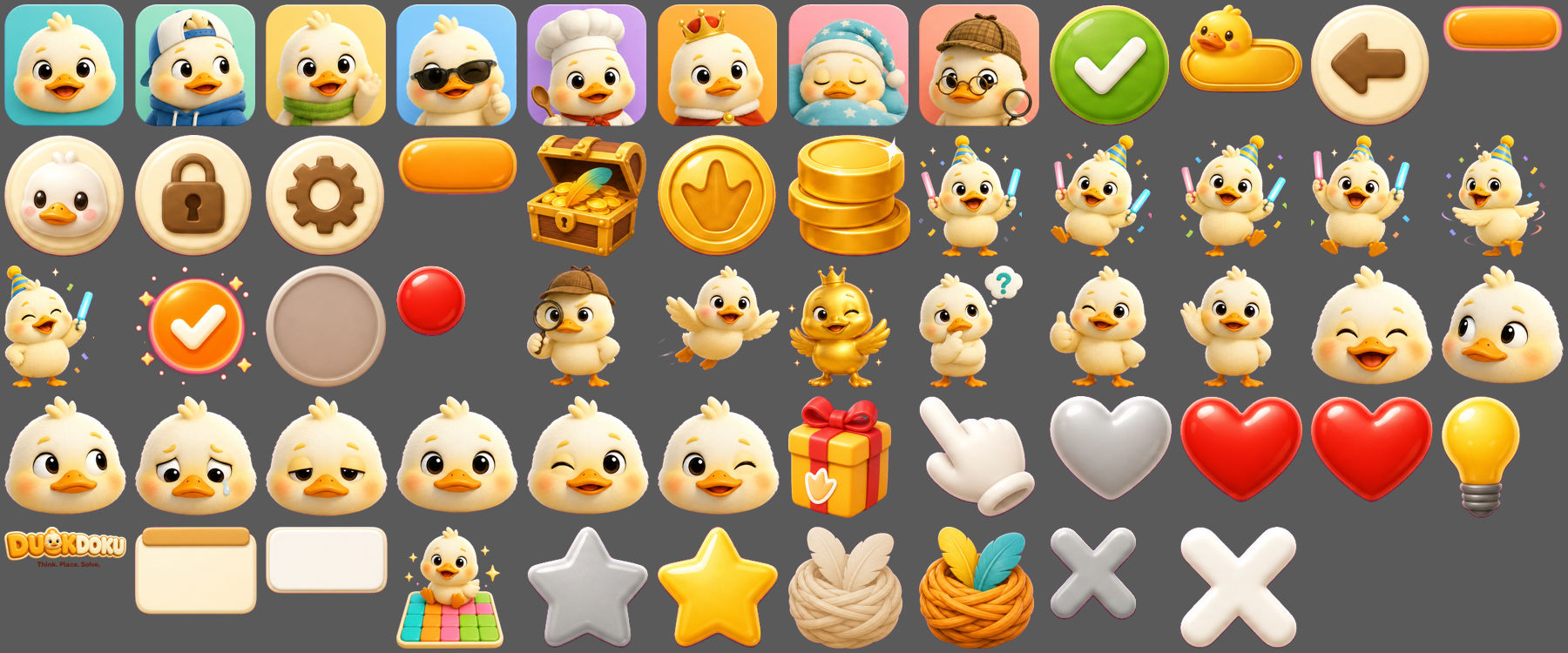
The generated sprite sheets, before Claude cut them into individual images
Every image was made with OpenAI's image generation API. Before generating anything, Claude estimated the cost first and got my go-ahead. The dashboard total for image generation:
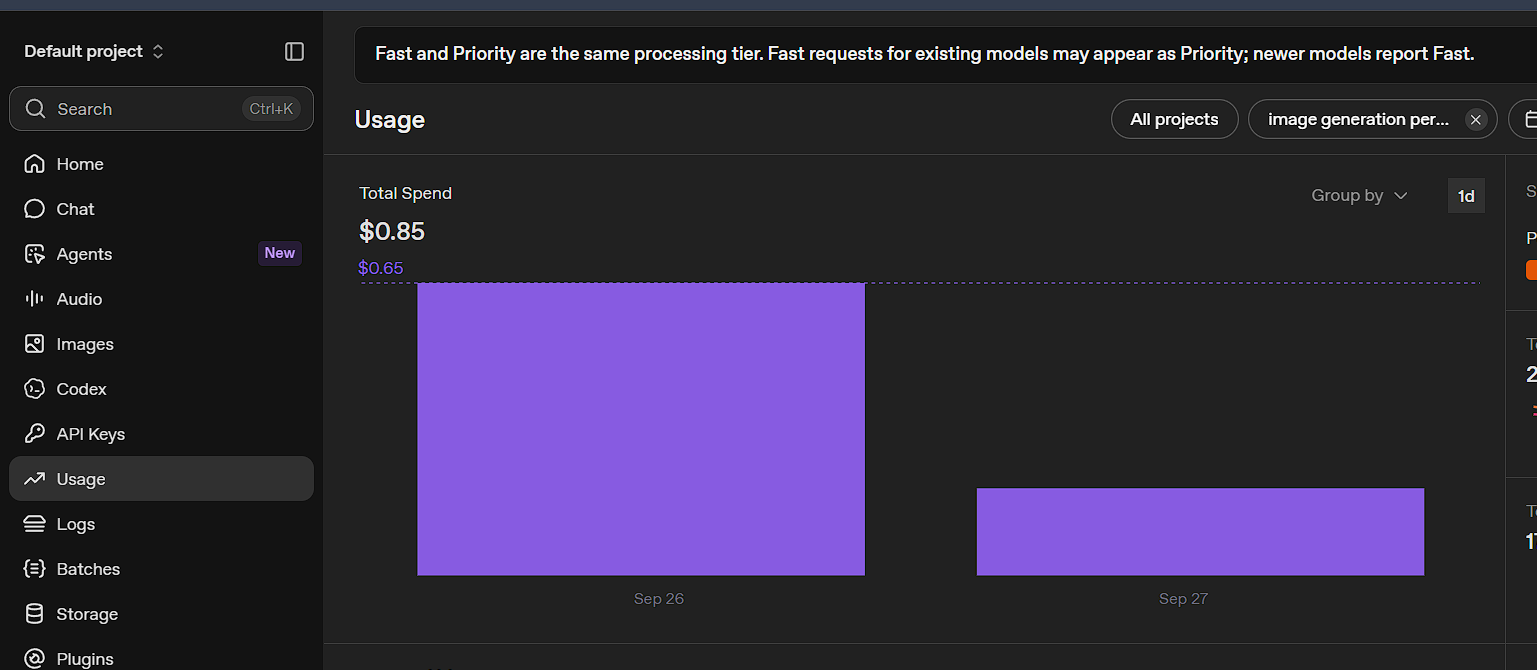
OpenAI usage dashboard — total image generation spend
All the art above was made at medium quality. Afterwards I re-made the same 7 sprite sheets at low quality to see what I would have saved. Same model (gpt-image-2), same size (1920×1088), same prompts word for word — only the quality setting changed.
| Medium | Low | |
|---|---|---|
| Output tokens per sheet | 1,325 | 148 |
| Output cost per sheet ($30 per million tokens) | $0.040 | $0.004 |
| Time per sheet | 27–37 s | 15–27 s |
| All 7 sheets, estimated total* | $0.34 | $0.09 |
* Output prices are real. The price of input tokens (the reference picture) is my guess, so the totals are estimates.
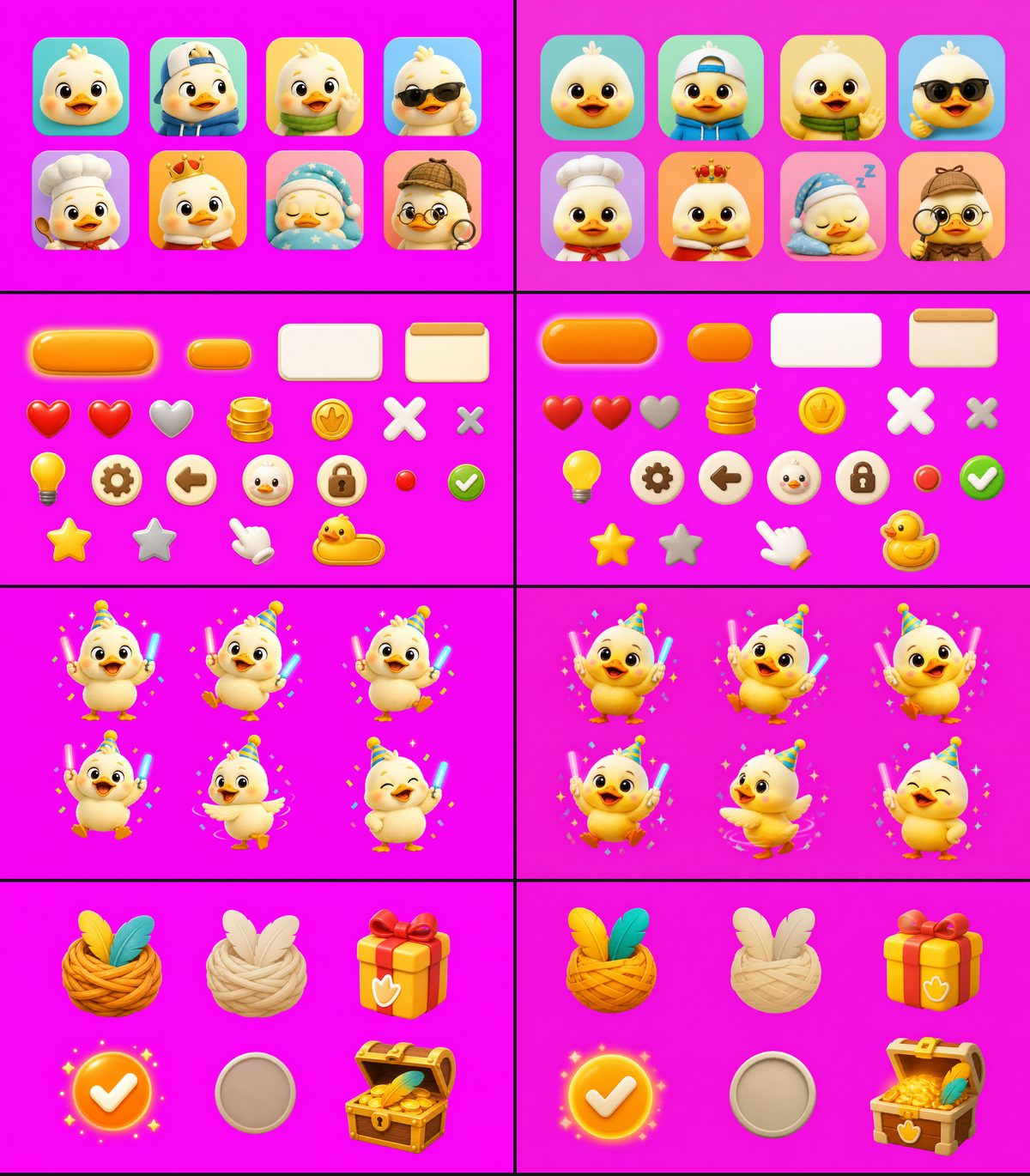
Medium on the left, low on the right
I made each sheet only once and did not test high quality, so treat this as one honest test, not a rule. Full numbers and the exact settings are in Day 9 of the journal.
Sound effects and music came from two places:
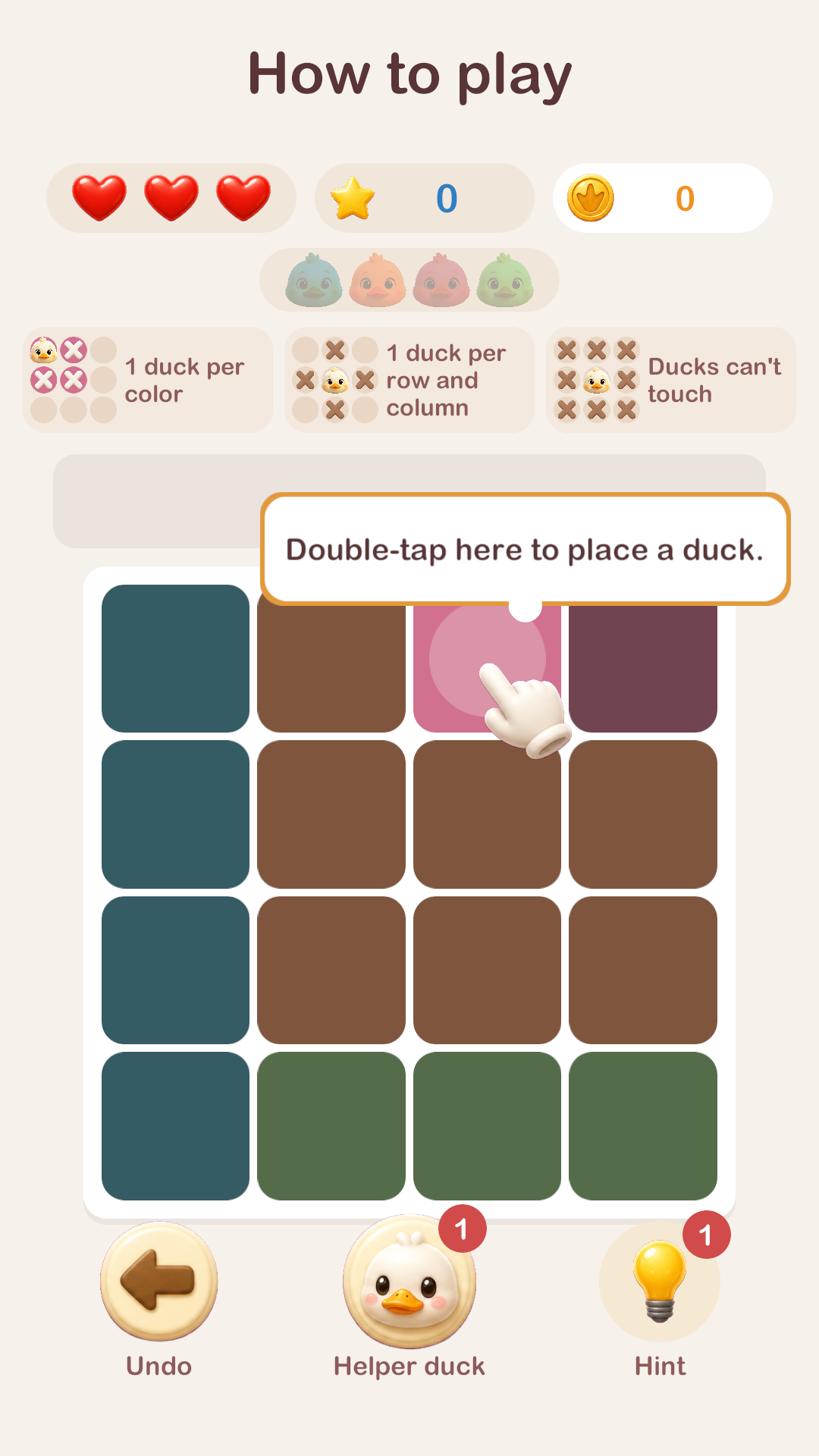
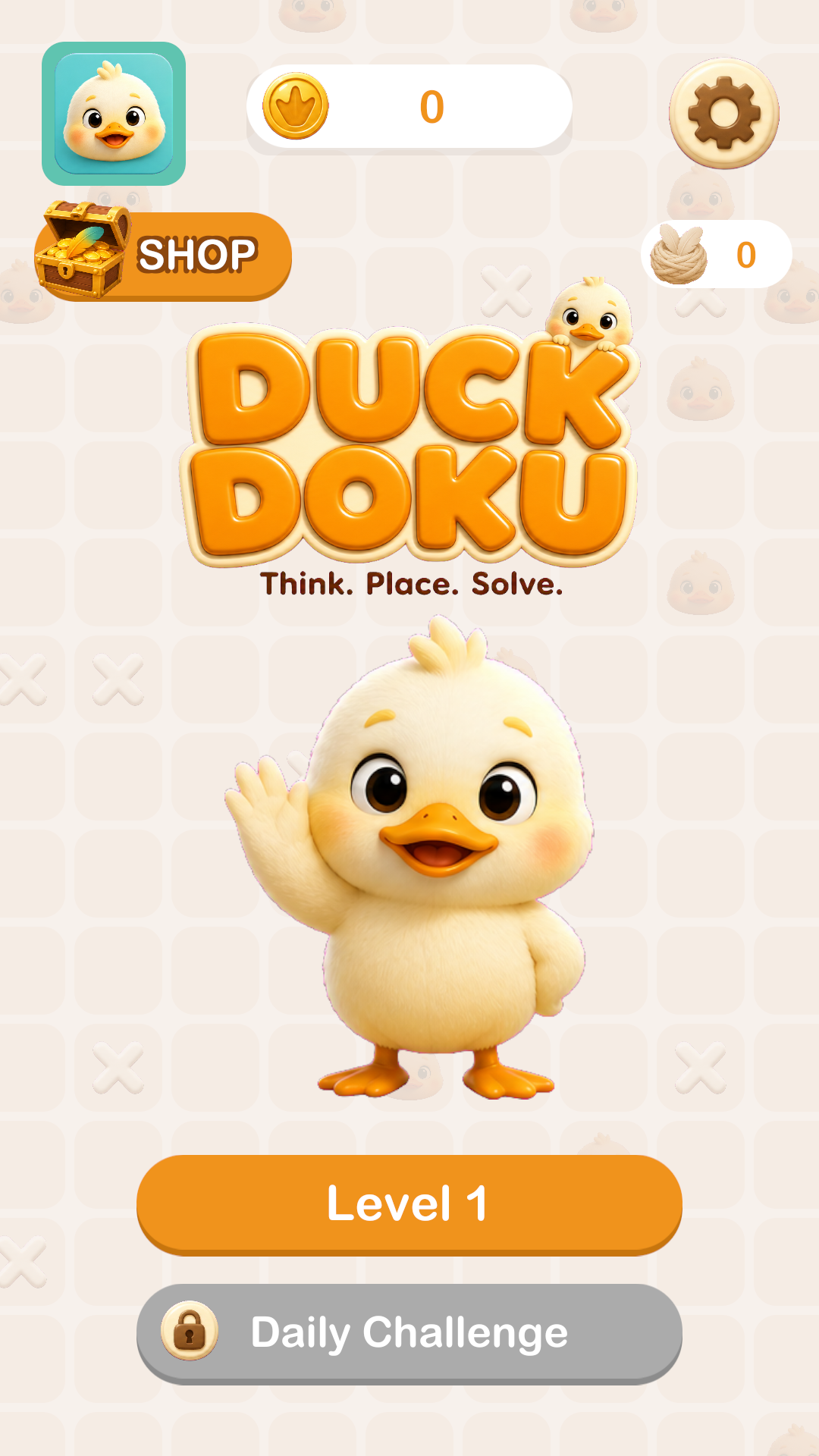
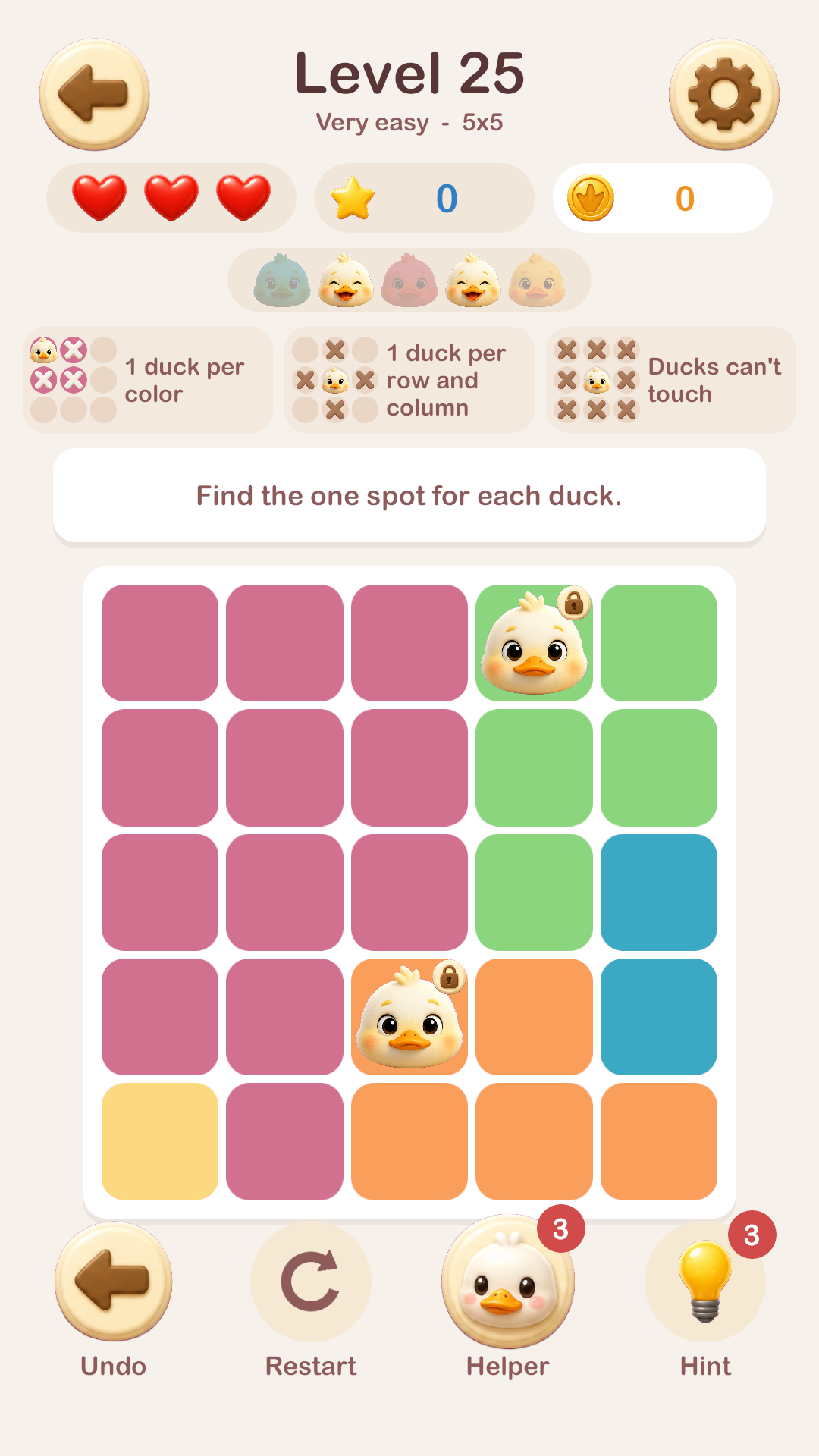
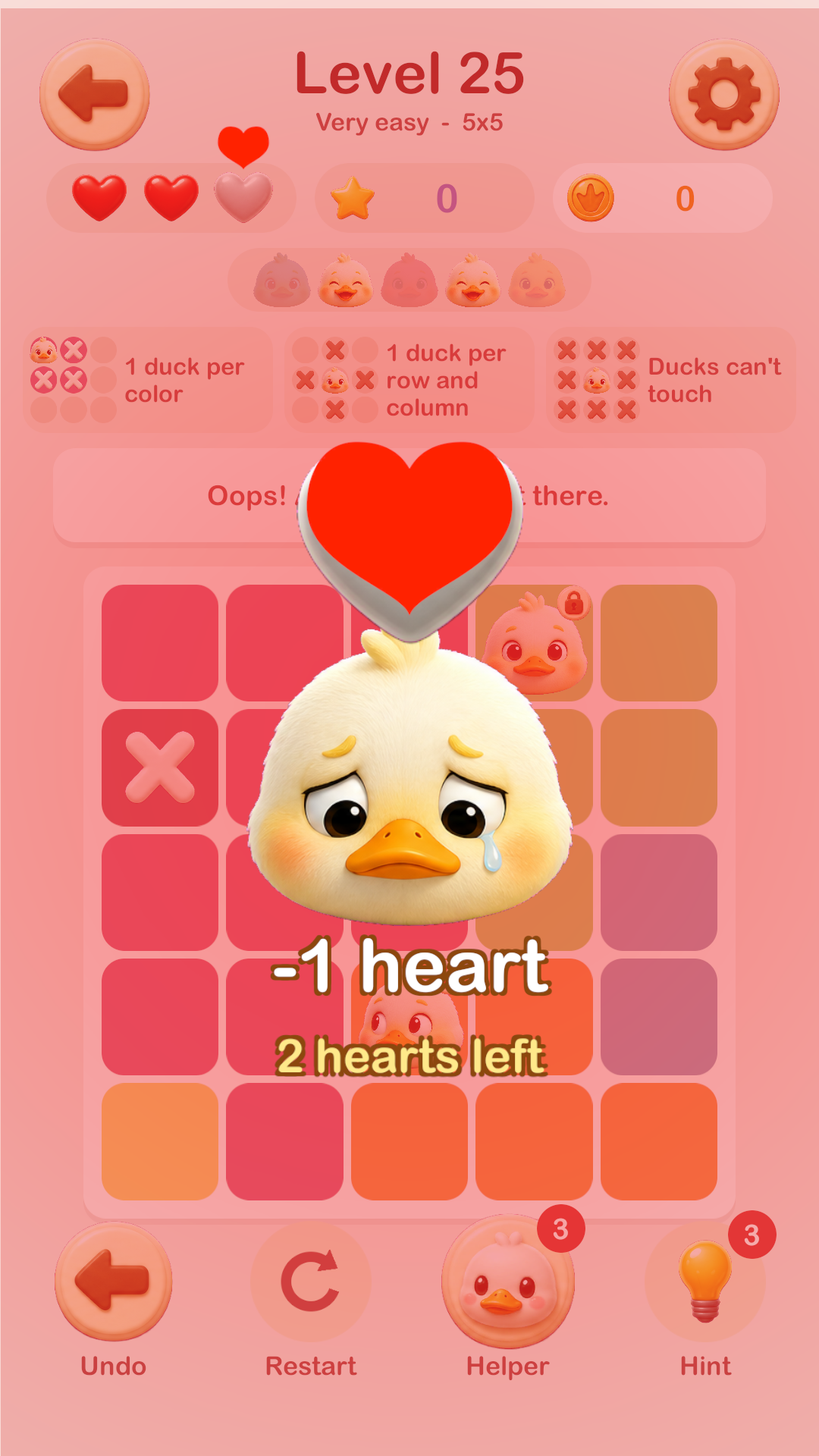
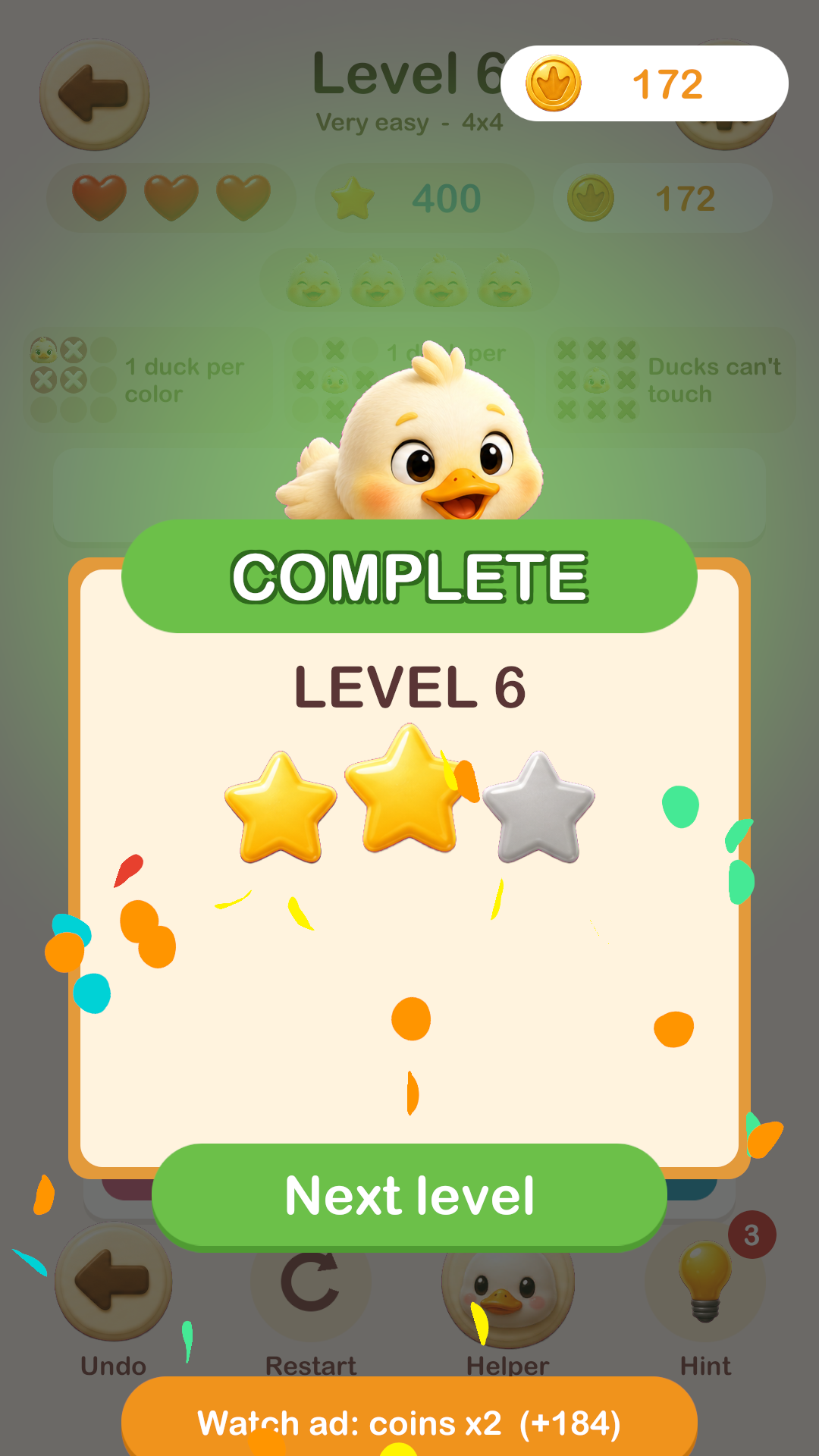
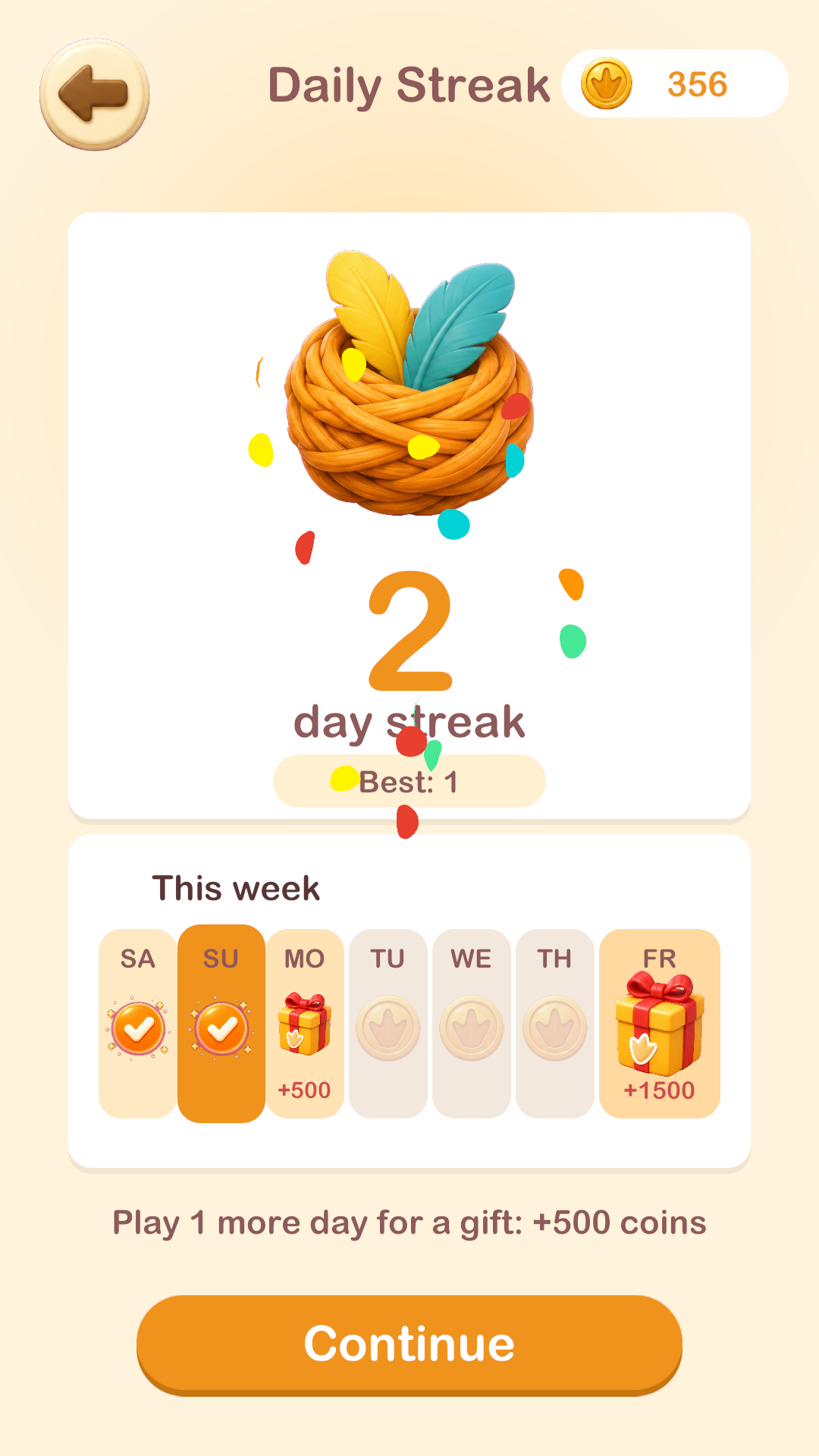
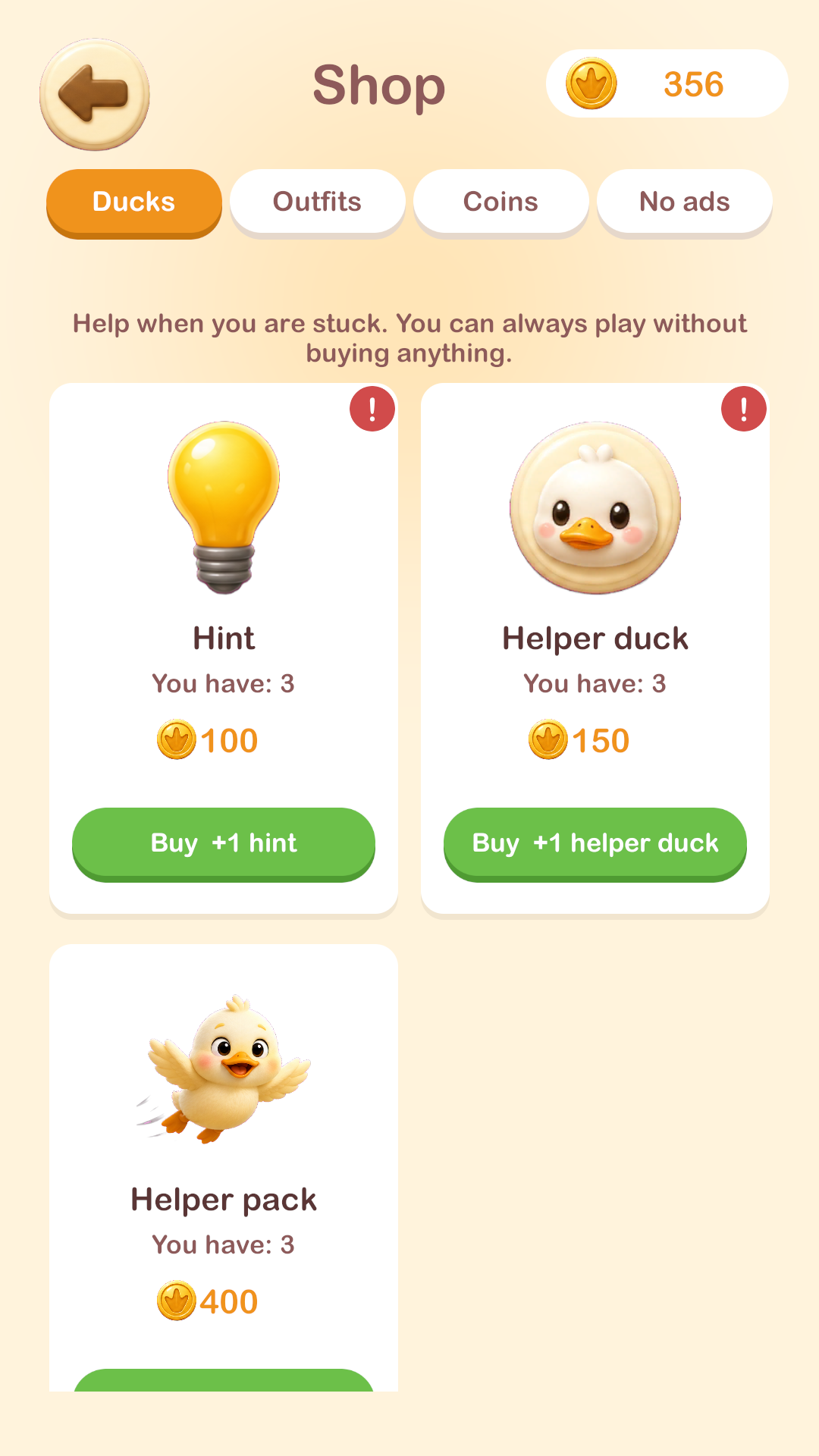
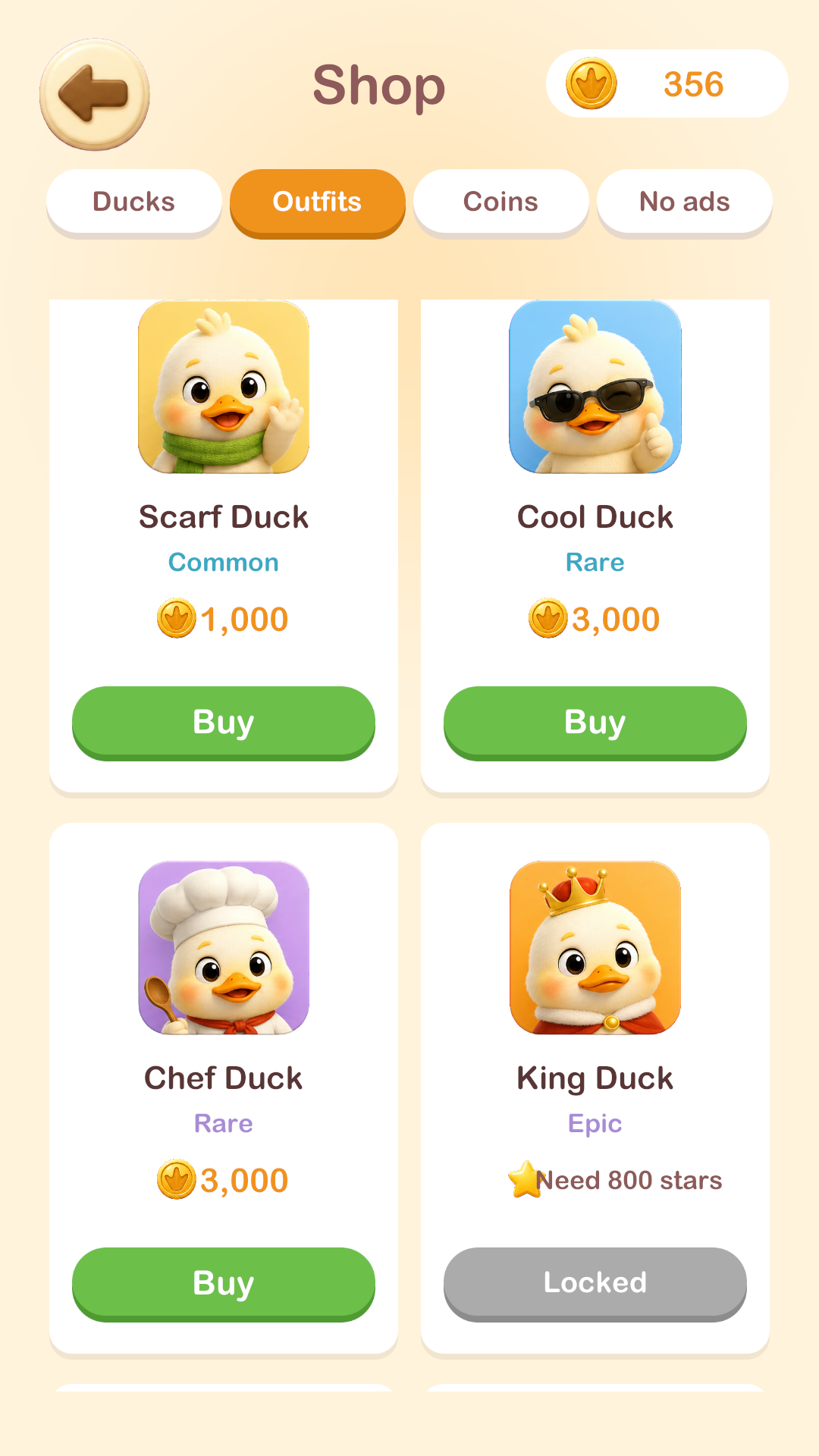
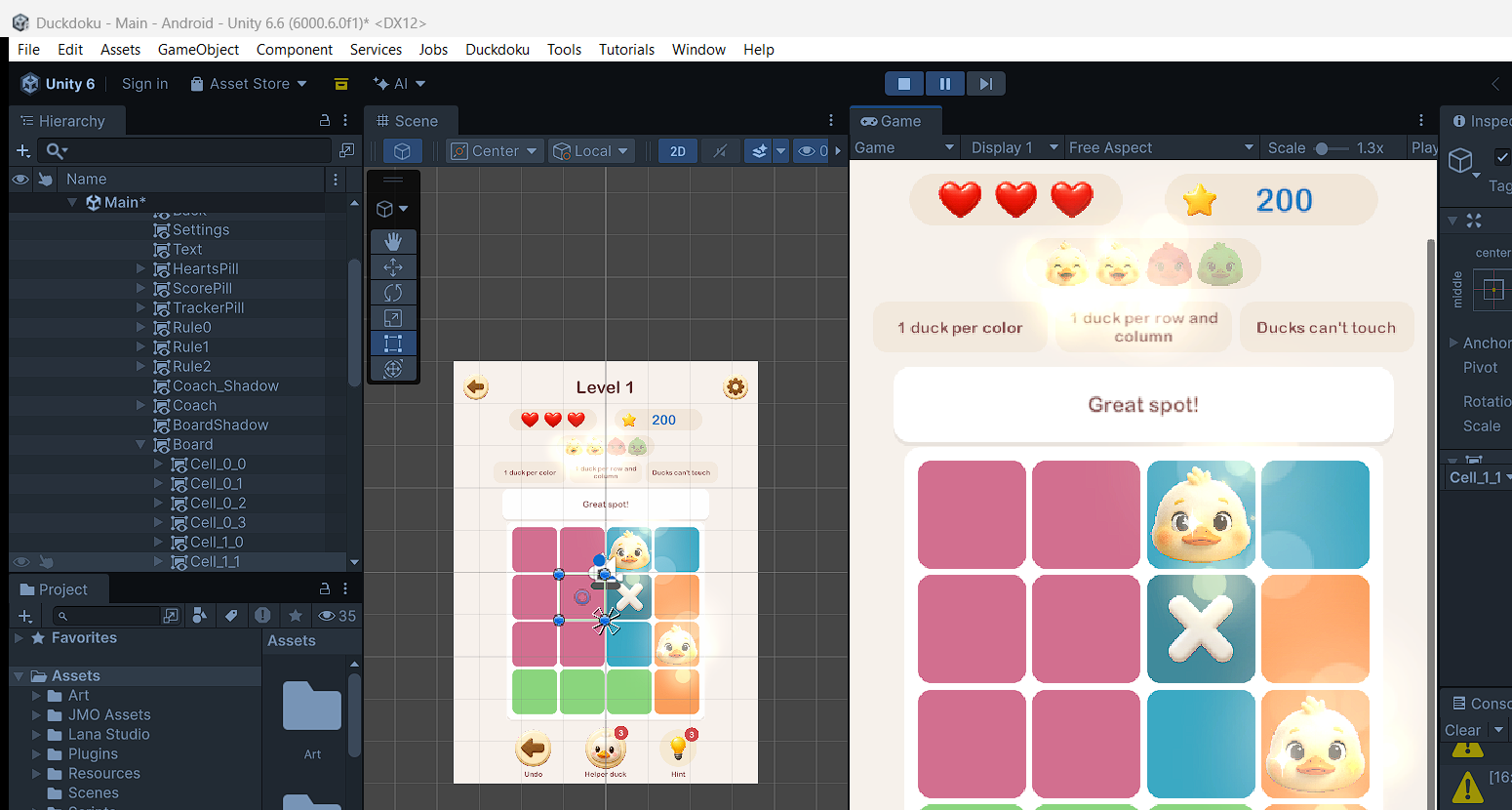
Unity Editor, mid-development — features were tested with real gameplay, not guesses
→ Read the full day-by-day development journal
Duckdoku is free to play on Android and iPhone/iPad. If you like quiet logic puzzles, give it a try — and if you don't like something, or spot a bug, I actually want to hear it. This is a small solo project, so every bit of feedback goes straight into the next update.
Got a suggestion, a bug, or just want to say hi? — tetraheaddevelopers@gmail.com